![Reveel-Logo-NoTagline-RGB-2.png]](https://help.reveelgroup.com/hs-fs/hubfs/Reveel-Logo-NoTagline-RGB-2.png?height=40&name=Reveel-Logo-NoTagline-RGB-2.png)
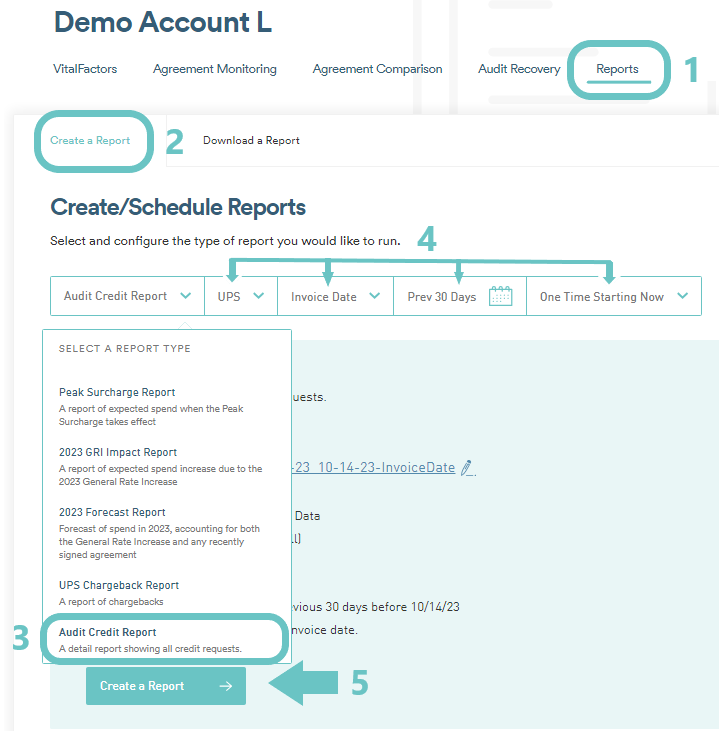
- First, download an Audit Credit Report from the Reports page of the platform given the following steps below:
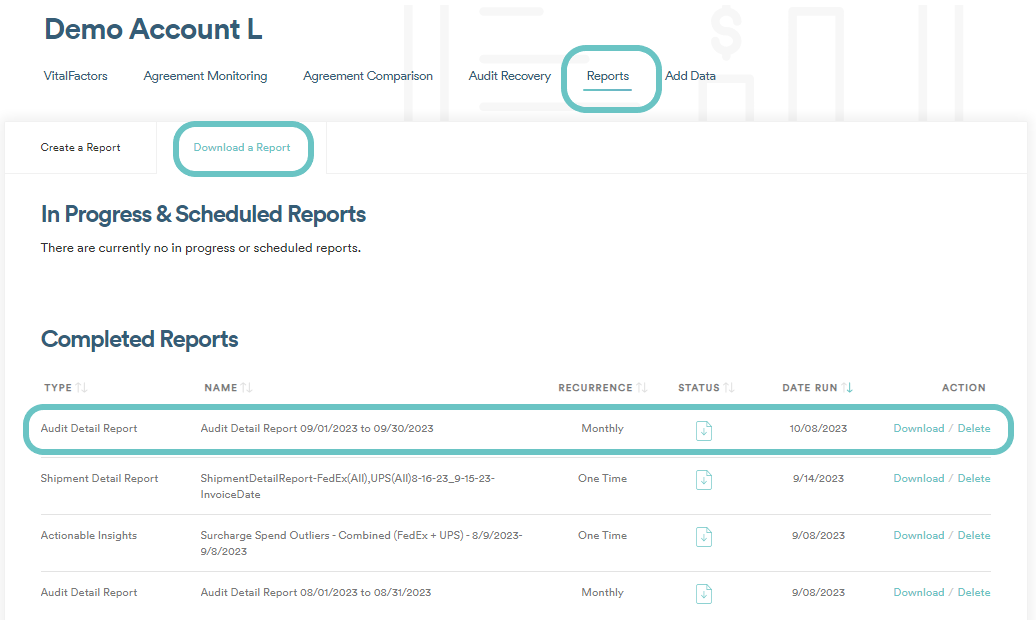
- Once the Audit Credit Report has been created, it will start to run and the file will be available for download on the Download a Report tab, under Completed Reports.
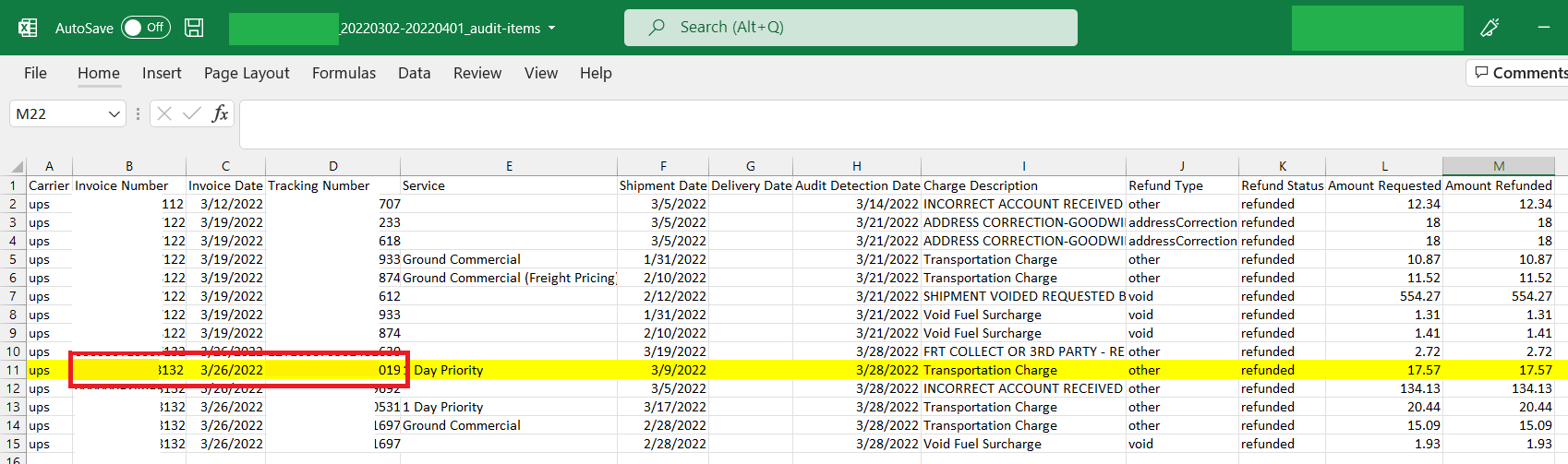
- The downloaded file will then go to your computer/storage. When you pull up the Audit Credit Report, you'll find under the column B and C the UPS Invoice information.
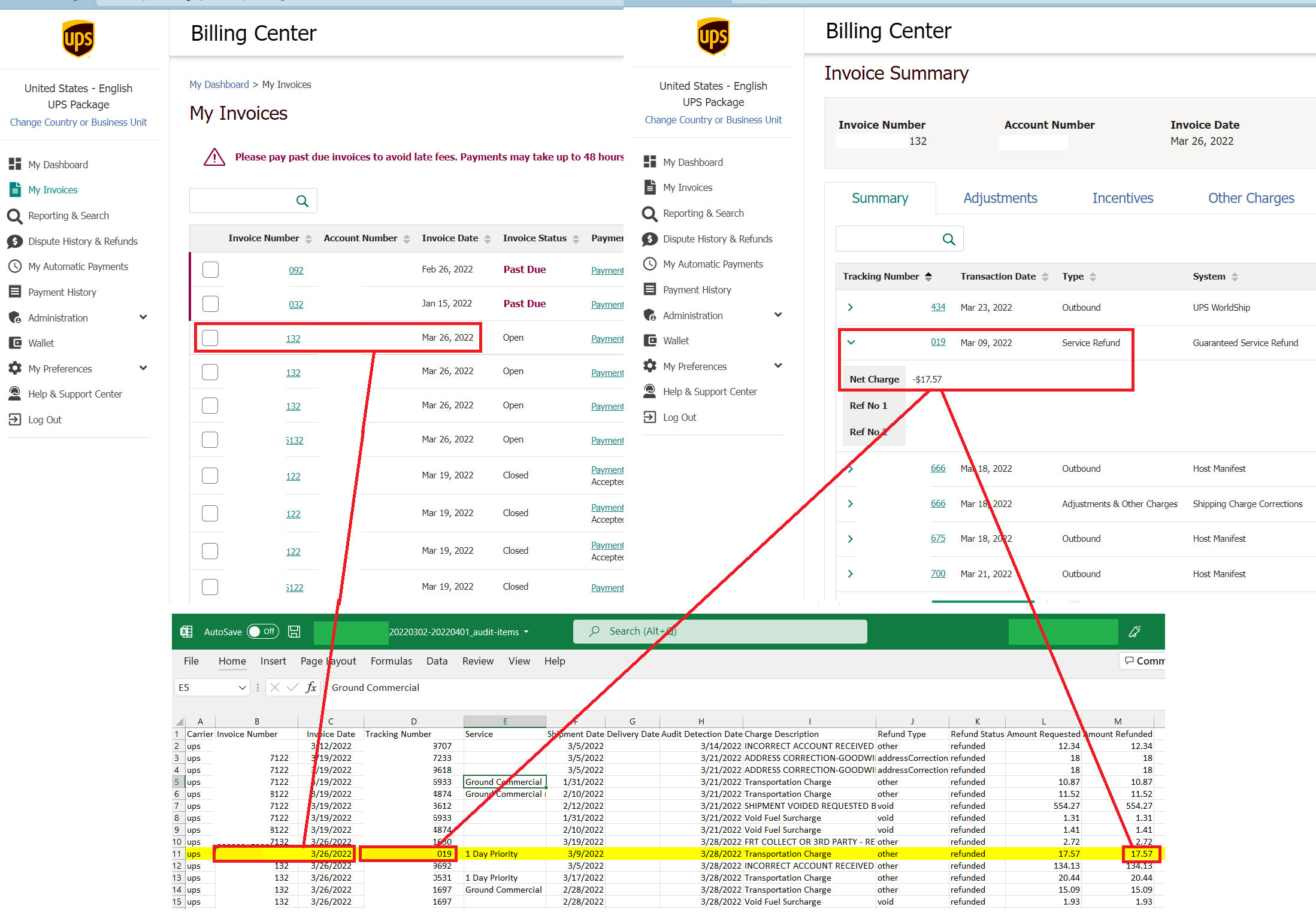
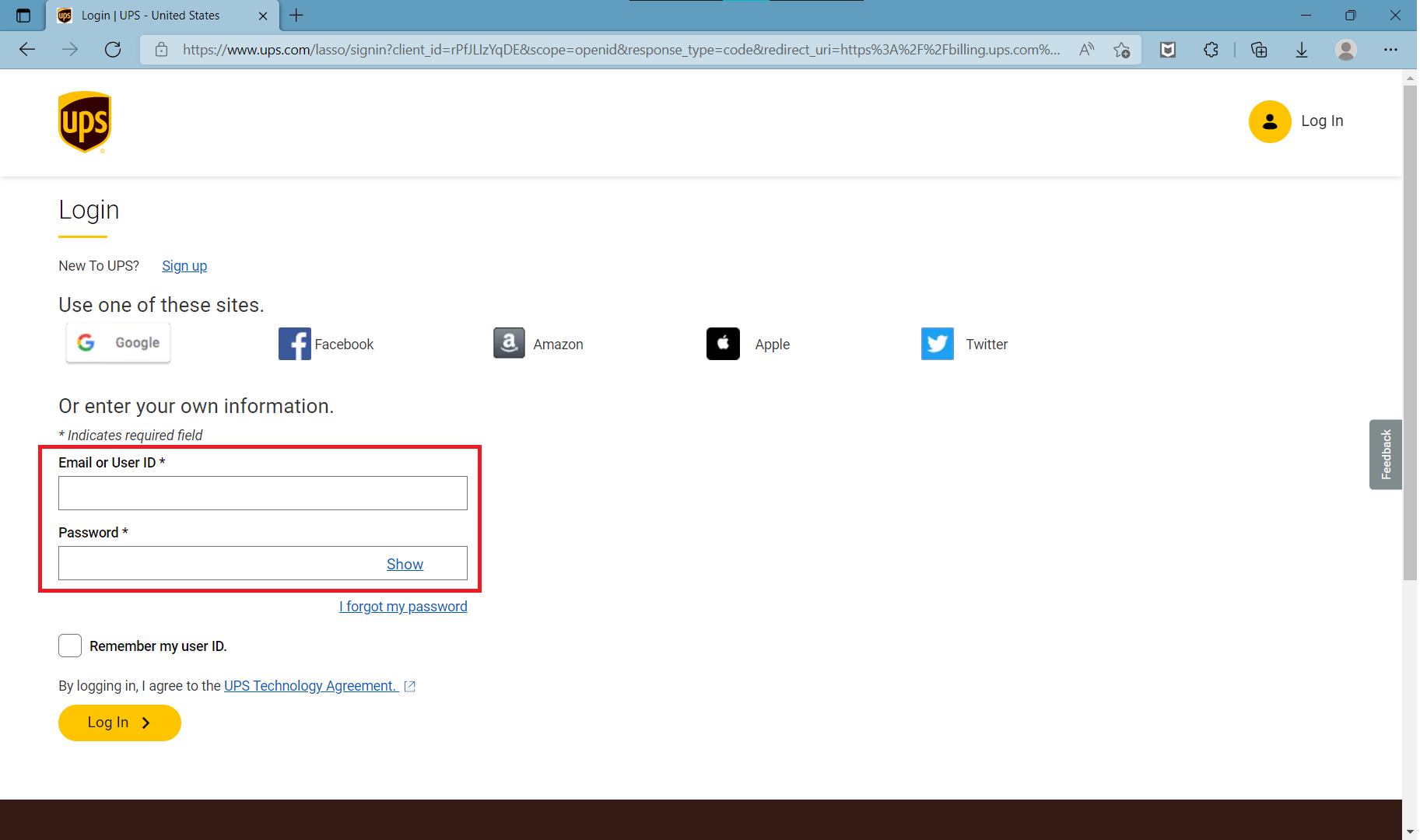
- To find the UPS Audit credits, login to the UPS Billing Center https://www.ups.com/lasso/login? .
- Go to “My Invoices” on the left-hand side Menu.
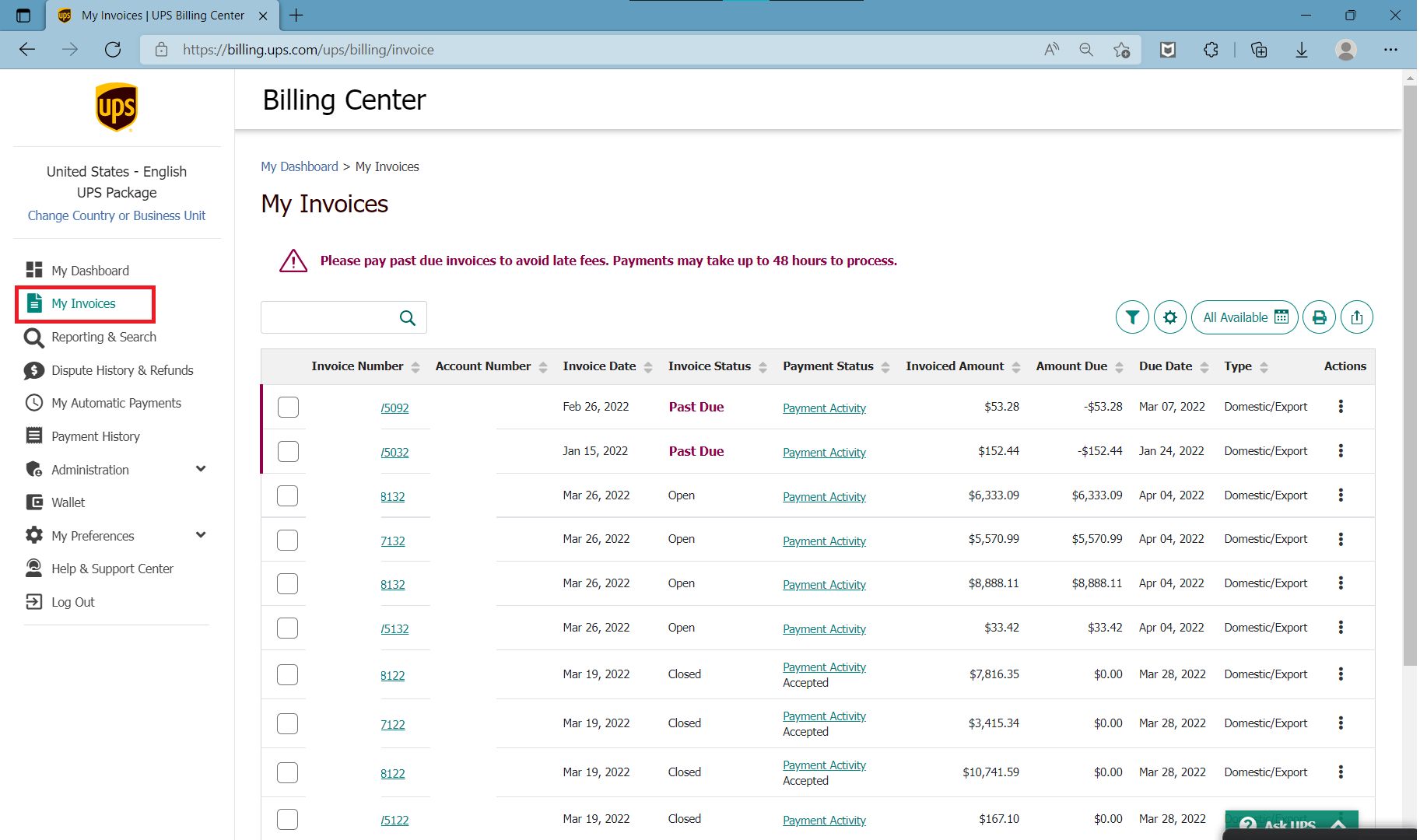
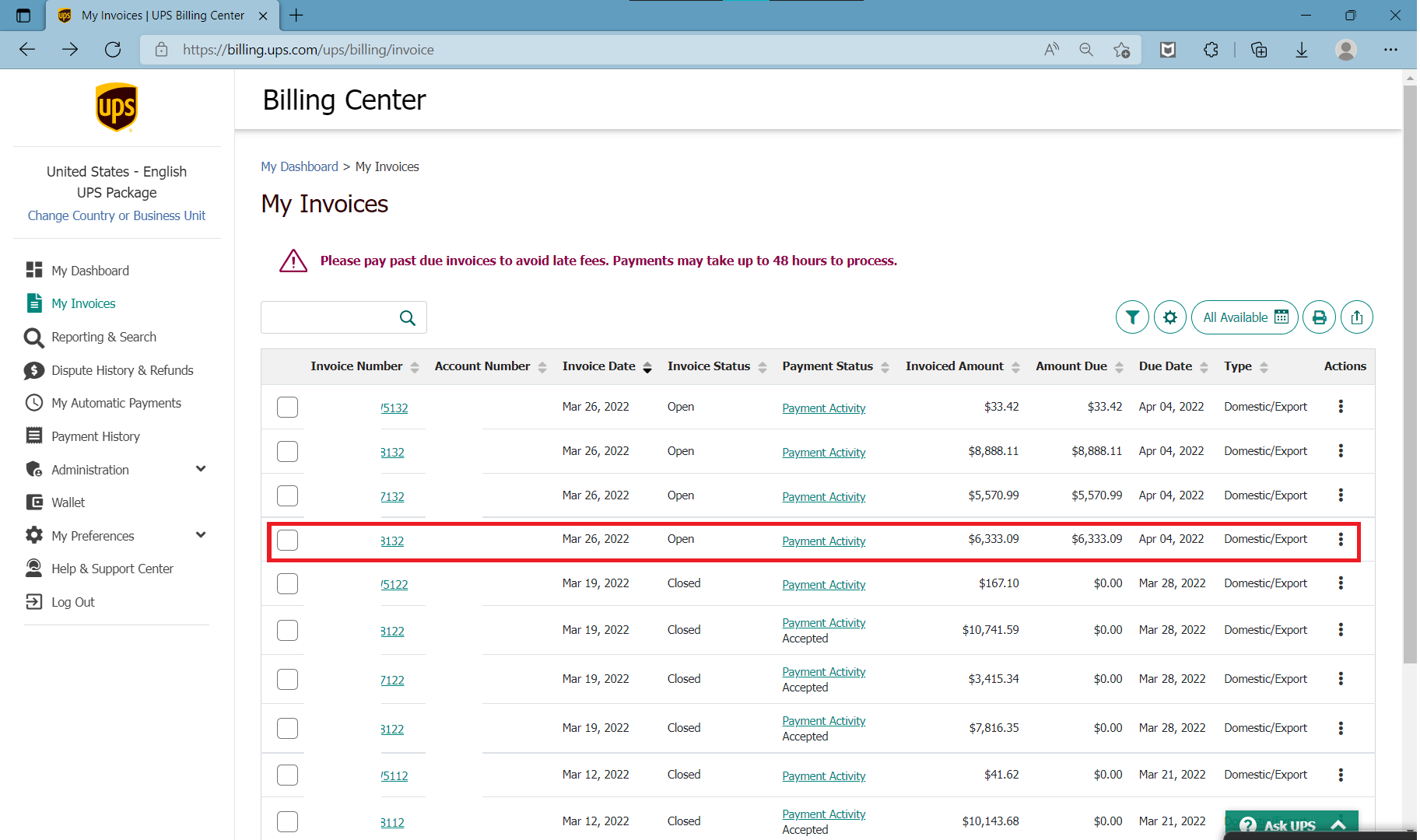
- You can search by “Invoice Date” or “Invoice Number”. Click on the UPS Invoice number.
- This will take you to the invoice summary page.
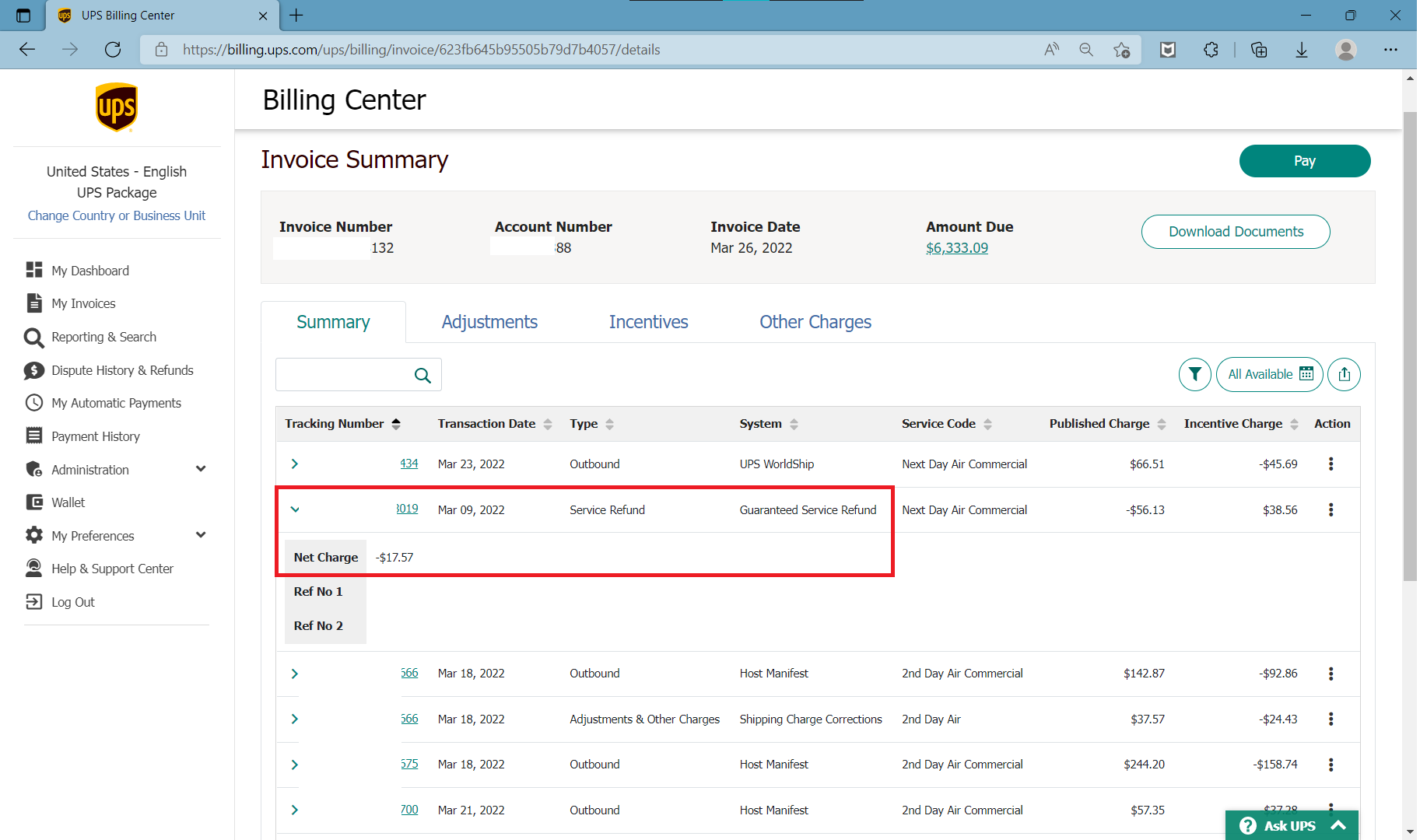
- Locate the tracking number and verify that the credit/refund amounts match the Audit Recovery Report.